DIO NODE
Thinking About Buying A Sonos Era 100? Read This First.

By Matty F.
At A Glance: How Dio Stacks Up Against Sonos



5 Reasons Dio Node Is A Better Multi-Room Speaker Than Sonos
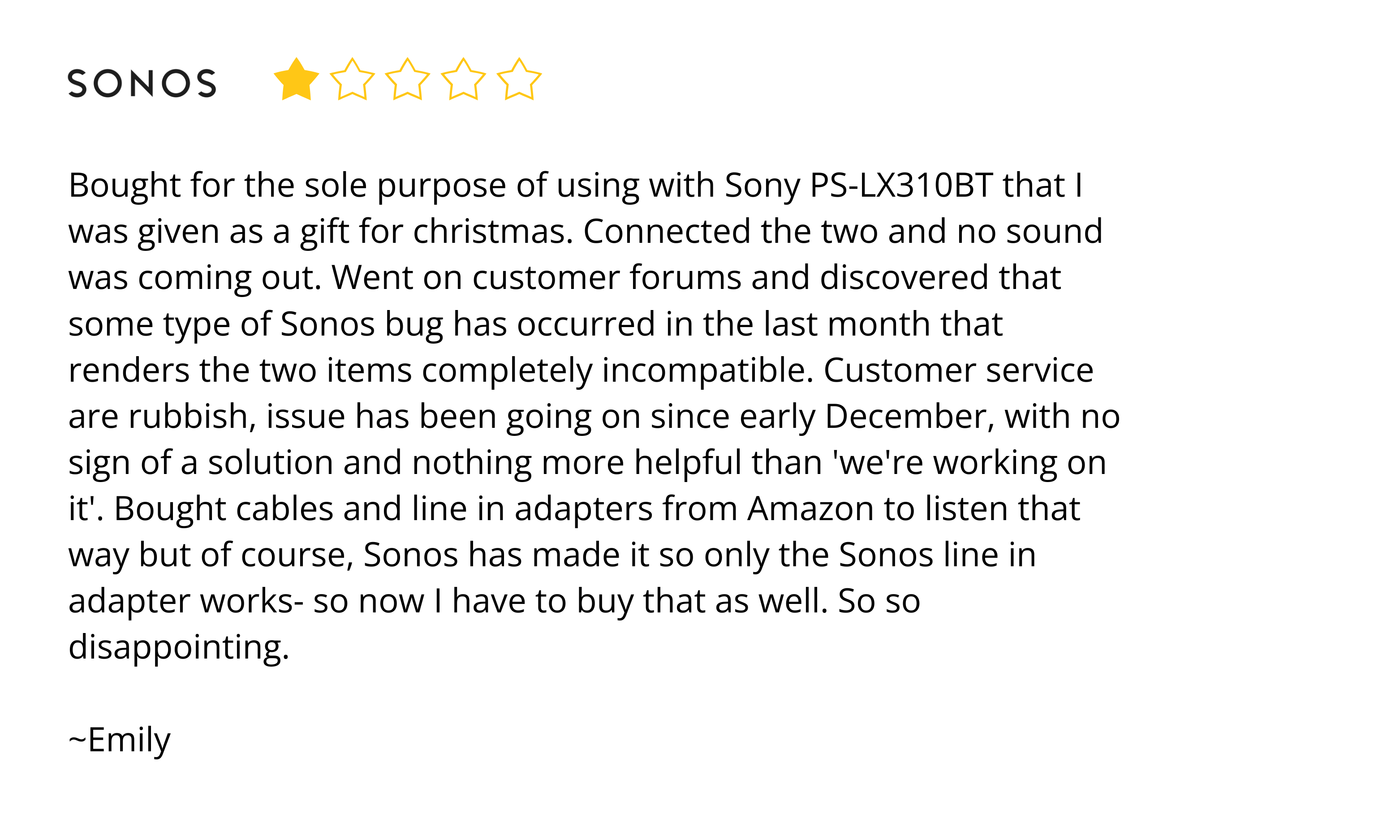
#1: Dio Works With Any App, And Is Compatible With 100+ Speaker Models — Sonos Works With Mostly Sonos
[The compatibility proof is in the reviews....]
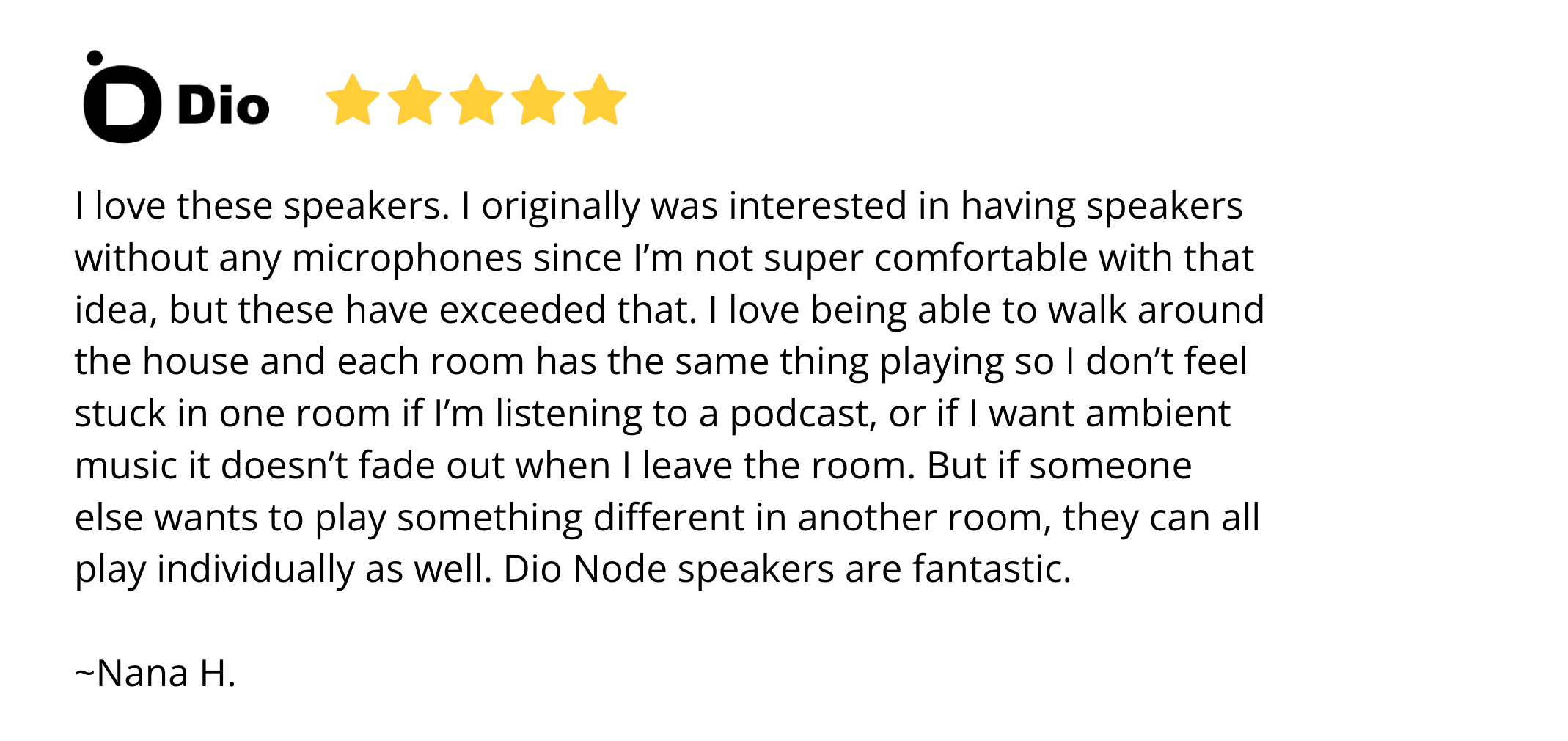
#2: Dio Respects Your Privacy—Sonos Can Listen In
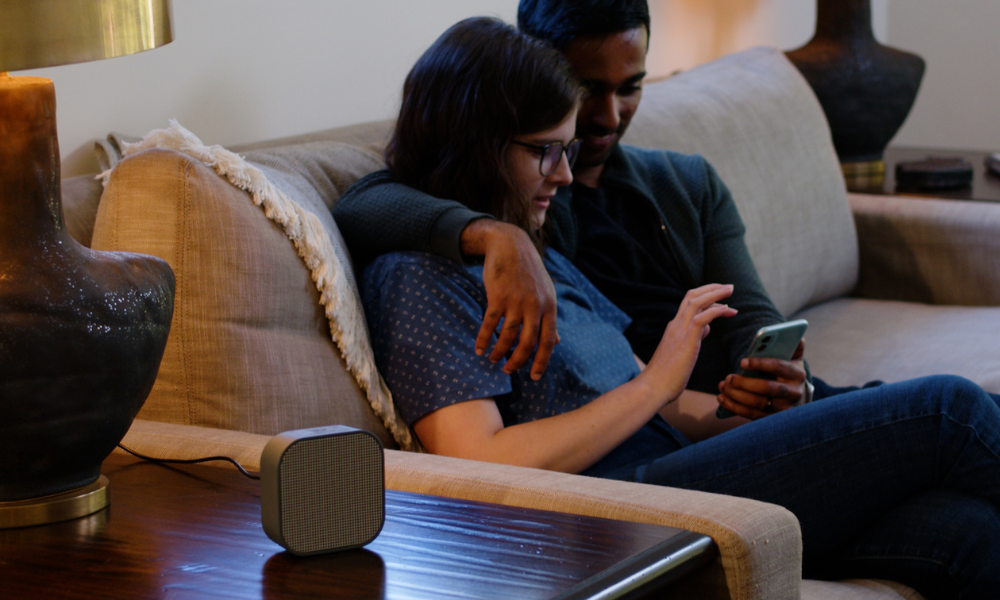
[The privacy proof is in the reviews....]
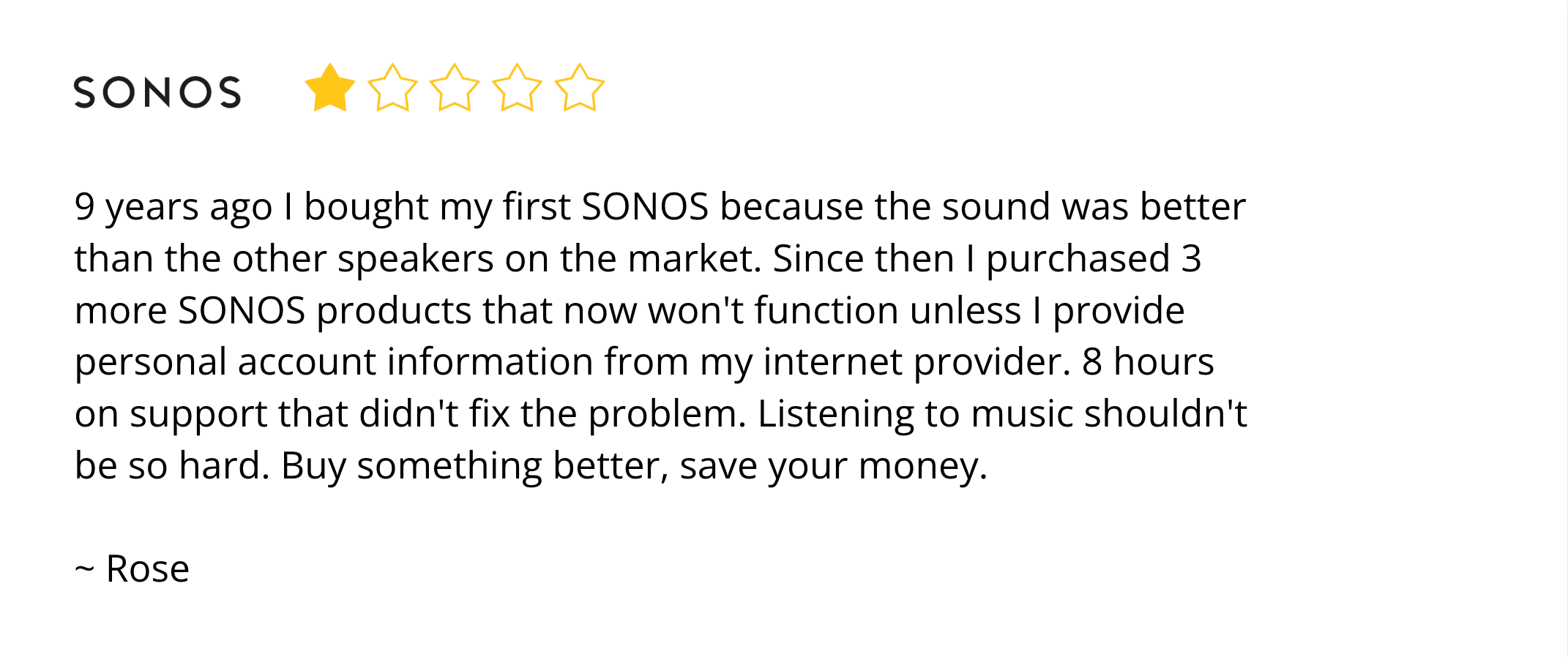
#3: Get 3 Dio Speakers For Less Than 1 Sonos
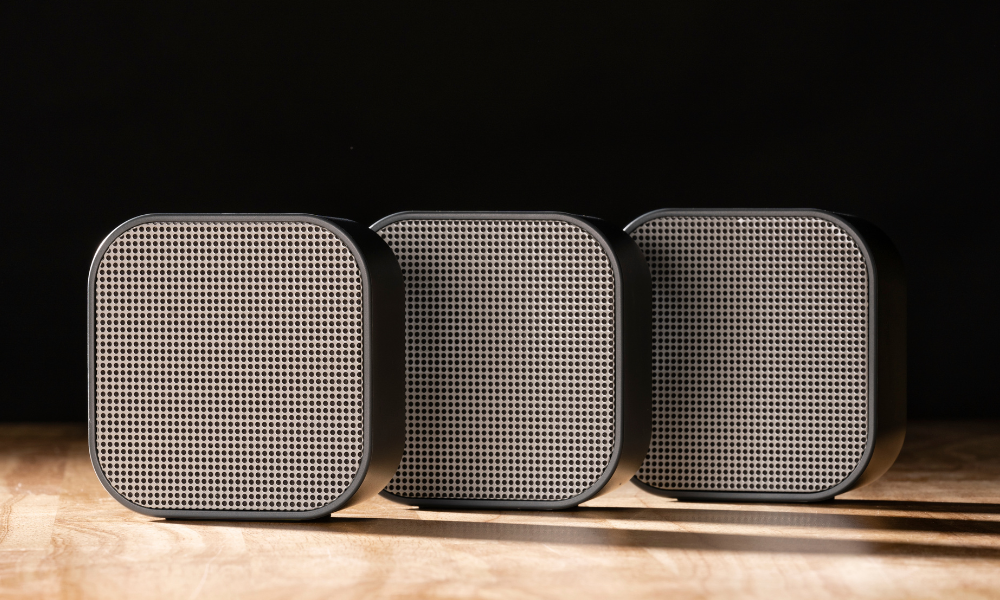
[The pricing proof is in the reviews....]
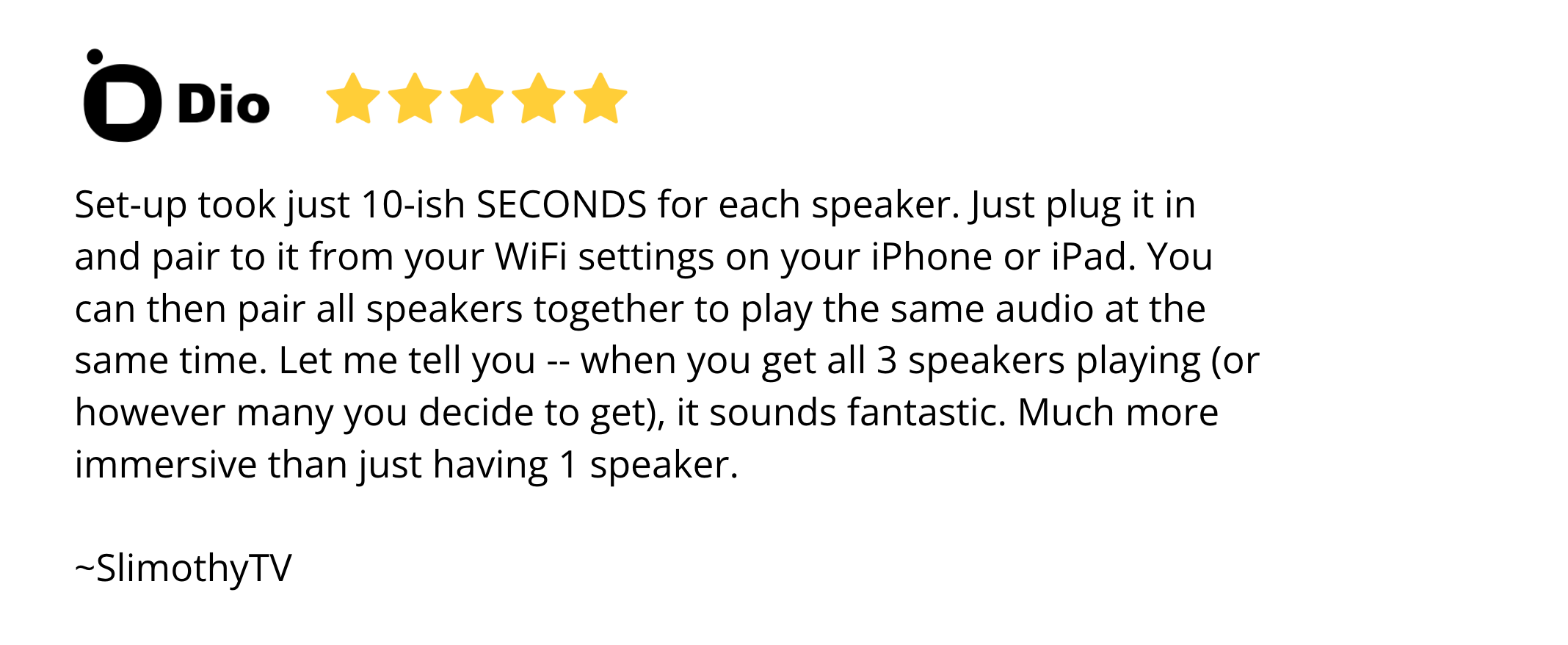
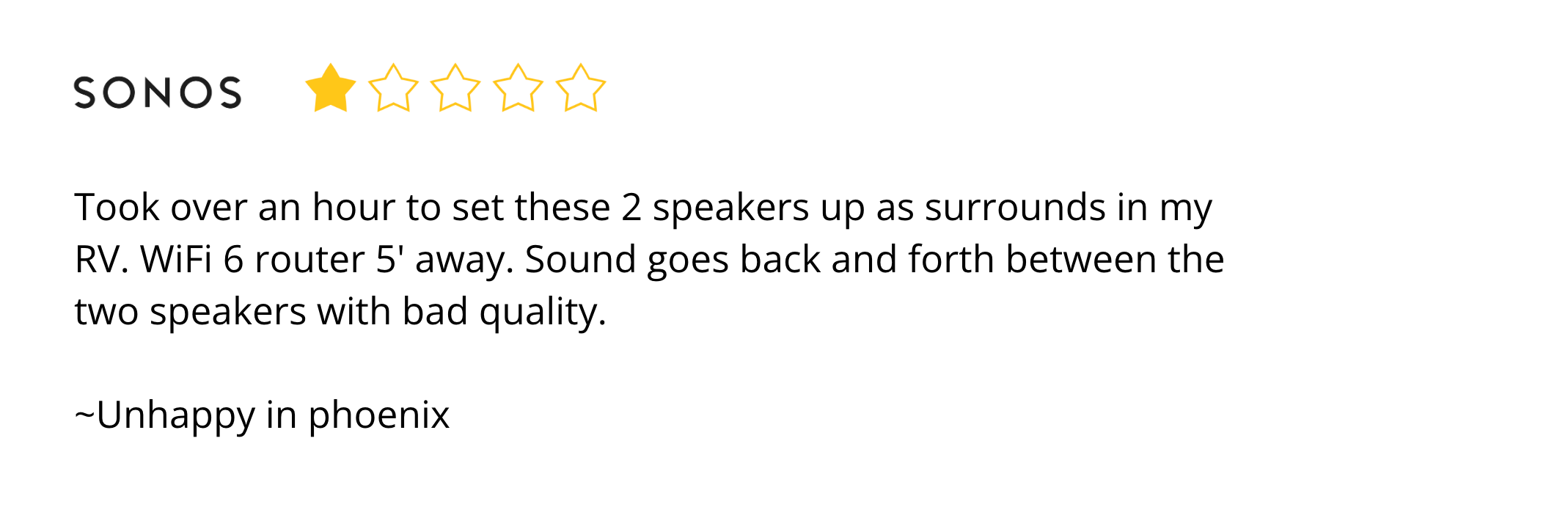
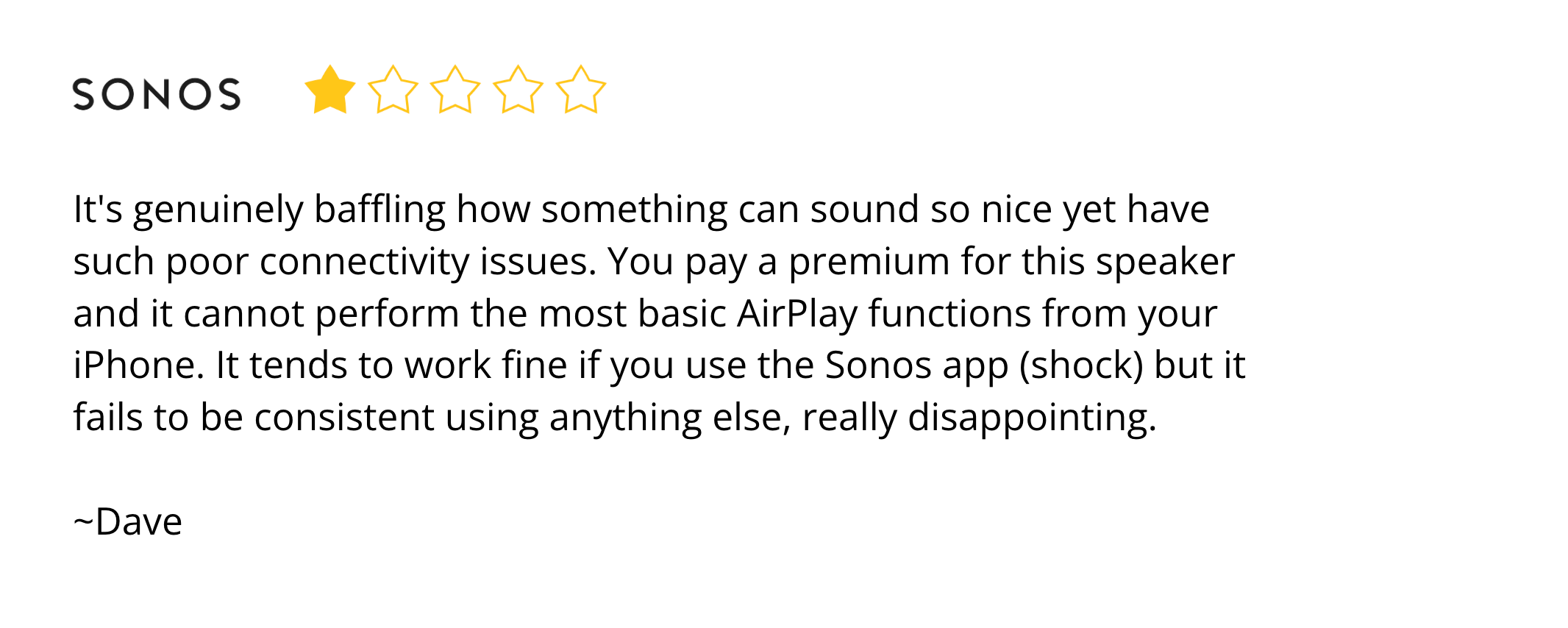
#4: Dio is Effortless to Set Up—Sonos is Overly Complicated
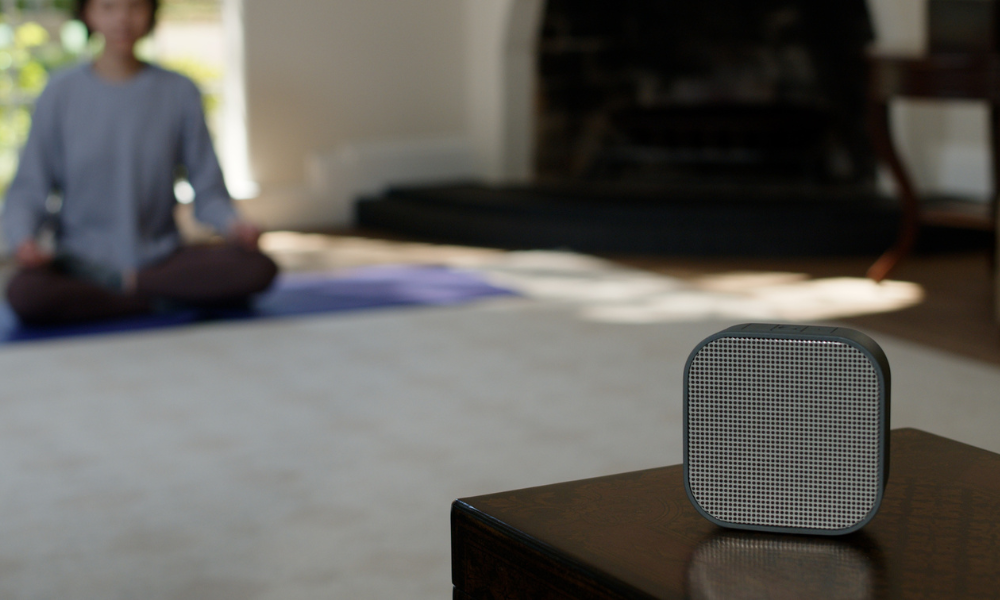
[The easy-to-use proof is in the reviews....]
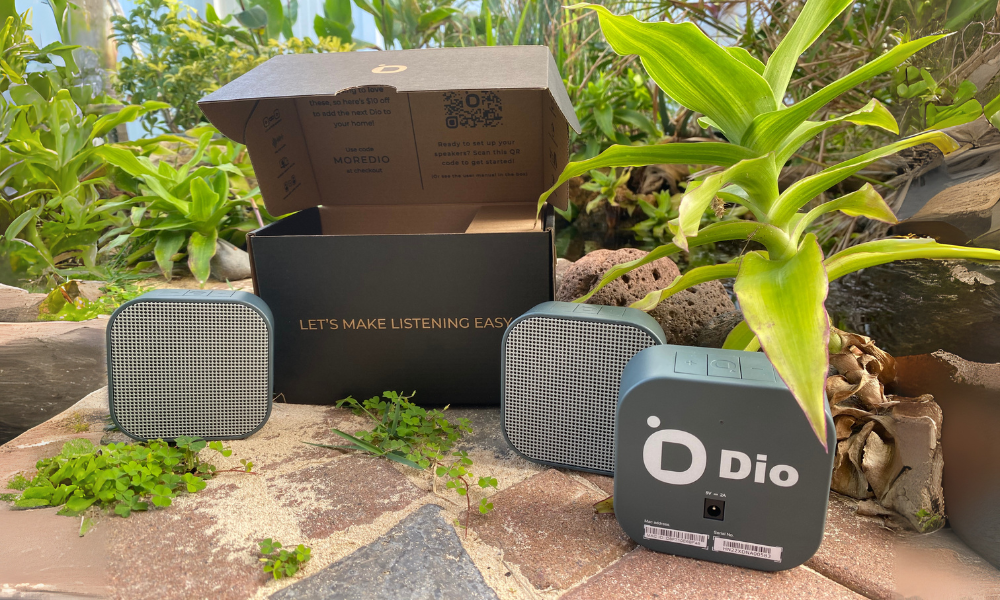
#5: Dio is Sleek & Minimal—Sonos is Bulky & Clunky

[The design proof is in the reviews....]

Final Thoughts
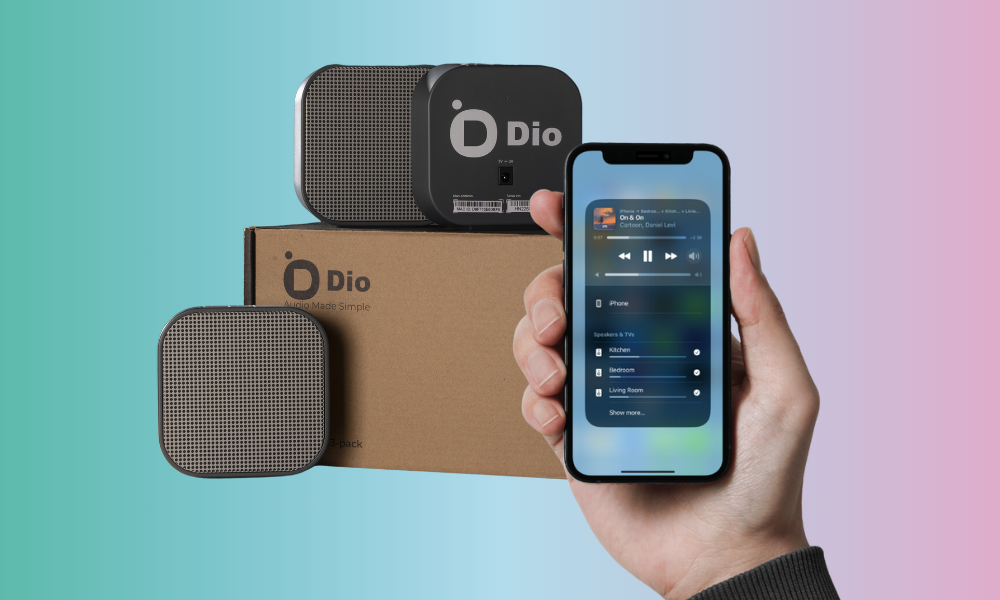

Lots of people know AirPlay as Apple’s version of Google Chromecast: a technology that allows you to play movies and videos from your iPhone onto your TV. What people tend to be less familiar with, however, is AirPlay 2, which is Apple’s audio casting technology.
AirPlay was originally developed as a way to cast audio, not video, to Wi-Fi speakers. AirPlay 2 is the successor of that audio technology and is built into every iOS device since the introduction of iOS 11.4 in 2018, which now allows iOS users to do all kinds of cool things with the audio on their phones.
If you love audio and have an iOS device, here are some cool things you may not have known that you can do with your iPhone and iPad.
- Play your iPhone or iPad’s audio through multiple speakers at once
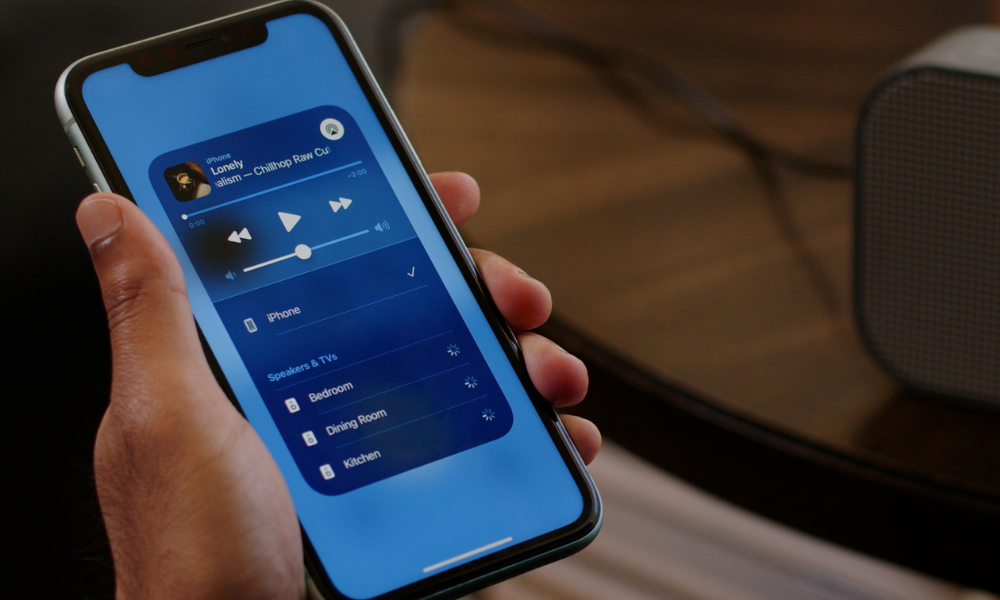
With the introduction of AirPlay 2 in 2018, you can actually play your iPhone’s audio through multiple AirPlay-enabled Wi-Fi speakers around the home. And the best part? You can do it right from the Control Center or Lock Screen without ever having to open up a separate app. Just tap the AirPlay icon by the playbar and select whichever speakers you want to use.
- Get around the Spotify Premium barrier for Spotify Connect
Spotify fans may know that Spotify has its own multi-speaker Wi-Fi technology similar to AirPlay 2 called Spotify Connect. However, as is the case with many things in life, this feature is only available for paid Spotify Premium accounts. If you own an iPhone, however, you can get past this barrier by using AirPlay 2, which allows you to play any audio coming from your iPhone to any AirPlay-enabled speakers (even audio from Spotify!). And since most Spotify Connect speakers also support AirPlay 2, it’s a no-brainer to use AirPlay if you don’t have a premium account.
- Use AirPlay speakers as an intercom or megaphone
Some really innovative apps have cropped up that utilize AirPlay. One of our favorites is the Microphone Live app by Von Bruno. This *free* app converts your iPhone into a microphone so you can speak through your AirPlay-enabled speakers. Whether it’s calling the family down for dinner or having a karaoke night with friends, this is definitely a cool app to keep in your utilities folder!
- Use Siri to change which speakers are playing your iPhone’s audio
Of course, with all things Apple, all their technologies are integrated! If you’re too tired to open up the AirPlay menu and tap on the speakers you want to use, you can always use Siri on your iPhone, HomePod, or other Apple device to play your audio on another AirPlay-enabled speaker in your home.
- Use your Apple Watch to change which speakers are playing your iPhone’s audio
While many smart watches allow you to pause, play, and fast forward the audio playing on your iPhone, Apple Watch goes a step further by allowing you to change which AirPlay-enabled speakers in your home are playing as well. Just go to the “Now Playing” app and tap the AirPlay icon located on the bottom left corner, then select your speakers.
- Adjust the volume of speakers individually or together without ever opening an app
Of course, what’s the point of being able to play on multiple speakers if you can’t easily adjust the volume of each speaker or all of them together? As we mentioned in point 1 of this list, you can control your AirPlay speakers directly from the Control Center or Lock Screen of your iPhone without ever having to open up a separate app. This extends to volume control as well, where you can adjust the volume of each speaker individually. You can also adjust the volume of all your currently playing speakers together by just using the volume buttons on your iPhone.

Are you tired of being limited to a single speaker while enjoying your favorite music, podcasts, or audiobooks from Spotify? Luckily, there are various options available to play audio from your phone on multiple speakers throughout your home, even without a Spotify Premium subscription. Whether you prefer Apple AirPlay, Amazon Alexa, Google Chromecast, Sonos, or Dio Speakers, we've got you covered. In this article, we'll explore each method, highlighting their advantages and disadvantages, so you can choose the solution that best suits your needs. Say goodbye to restricted audio and embrace the freedom of enjoying your Spotify content on multiple speakers simultaneously.
Apple AirPlay
If you're an iOS user, Apple AirPlay provides a versatile solution to play Spotify from your iPhone, iPad, or Apple TV on multiple speakers. AirPlay works with a variety of speaker models and is not limited to specific audio apps. Here are the key points to consider:
Pros:
- Integrated into iOS devices, eliminating the need for additional apps
- Compatible with a wide range of AirPlay-enabled speakers
- Supports lossless audio transmission for superior sound quality
- Allows simultaneous playback on multiple iOS devices
Cons:
- Exclusive to iOS devices and Apple TV (with limited third-party app support for Android, Mac, and Windows)
Amazon Alexa and Google Chromecast
Amazon Alexa and Google Chromecast offer multi-speaker capabilities for playing Spotify, even without a Premium subscription. Let's take a look:
Pros:
- Decent number of compatible speakers in each ecosystem
- Voice prompts allow convenient control without relying solely on your phone
- Compatible with both Android and iOS devices
Cons:
- Limited to specific partnered audio services (e.g., Audible, Amazon Music, Apple Music, and Spotify for Alexa)
- Excludes certain popular audio options like YouTube, SoundCloud, and Facebook Live
- Potential privacy concerns related to voice assistants
- Requires additional apps for setup and usage
- Lossy audio transmission may affect sound quality
Sonos
Sonos, a high-end audio solution, allows you to play Spotify on multiple speakers without a Premium subscription. While it offers excellent sound quality and additional features, there are certain considerations:
Pros:
- Supports a wide range of partnered audio services, including major and niche apps
- Provides superior sound quality and features for audiophiles
- Compatible with Apple AirPlay, Amazon Alexa, and Google Chromecast
- Works with Android, iOS, and TVs
Cons:
- Restricted to partnered audio services, limiting playback options from your phone
- Requires a dedicated app for setup and usage
- Speaker options can be expensive
- Sonos technology only works with Sonos speakers, requiring AirPlay, Alexa, or Chromecast for other speaker brands
- Lengthy setup process, more suitable for tech-savvy users
Dio Speakers
Dio Speakers, the ultimate WiFi speaker, provides a seamless solution to play Spotify on multiple speakers without a Premium subscription. Here are the key advantages to consider:
Pros:
- Easy setup and hassle-free WiFi connectivity
- Stylish design that complements any decor
- User-friendly operation with a simple tap, no app required
- Wide compatibility with various devices, including smartphones, tablets, laptops, and Other speakers
- Flexible placement options for creating a customized audio setup
- Expandable system, allowing you to add more speakers over time
- Works with popular music streaming services, including Spotify, Pandora, and Apple Music
- Multi-room support, enabling synchronized playback in different areas of your home
With Dio Speakers, you can effortlessly enjoy your favorite Spotify playlists on multiple speakers throughout your home. Experience the convenience, style, and superior sound quality that Dio Speakers offer, and transform your living space into a captivating audio zone. Say goodbye to limitations and embrace the freedom of playing Spotify on multiple speakers without the need for a premium subscription

In the ever-evolving landscape of wireless audio technology, two prominent players have emerged as popular choices for streaming audio content to speakers: AirPlay and Bluetooth. Both of these technologies have revolutionized the way we enjoy music, podcasts, and other forms of audio. However, they differ in several key aspects, from compatibility and range to audio quality and ease of use. In this blog post, we'll explore the fundamental differences between AirPlay and Bluetooth speakers to help you make an informed decision about which technology suits your needs best.
Technology Overview
AirPlay: Developed by Apple, AirPlay is a proprietary wireless protocol that allows seamless streaming of audio, video, and screen mirroring from Apple devices, such as iPhones, iPads, and Mac computers, to compatible AirPlay-enabled speakers and other devices. It ensures high-quality audio transmission and synchronization across devices.
Bluetooth: Bluetooth is a widely used wireless technology that enables communication between various devices, including smartphones, tablets, laptops, and speakers. It uses radio waves to establish short-range connections and is compatible with a wide range of devices, regardless of the manufacturer.
Compatibility
AirPlay: One of the main differentiators between AirPlay and Bluetooth is their compatibility. AirPlay is limited to Apple devices, which means you need an iPhone, iPad, or Mac to initiate the streaming. While there are third-party apps and workarounds to extend AirPlay compatibility to non-Apple devices, the native experience is reserved for Apple users.
Bluetooth: Bluetooth, on the other hand, offers broader compatibility. It works across various devices and brands, making it a versatile choice for users who want to connect different devices without being tied to a specific ecosystem.
Audio Quality
AirPlay: When it comes to audio quality, AirPlay often provides superior performance. It supports lossless audio transmission, allowing for high-resolution audio playback. This makes it an excellent choice for audiophiles and those who prioritize the highest possible sound quality.
Bluetooth: Bluetooth audio quality has come a long way, but it typically uses lossy compression codecs that can slightly degrade audio quality, especially for discerning listeners. However, recent advancements like aptX and AAC codecs have improved the overall sound quality of Bluetooth audio, closing the gap with AirPlay to some extent.
Range and Stability
AirPlay: AirPlay's range and stability largely depend on your Wi-Fi network. Since it operates over Wi-Fi, the range can extend to your entire home if your network coverage is strong. However, if you move out of the network's range, the connection may be lost, interrupting your audio playback.
Bluetooth: Bluetooth operates over shorter distances, usually up to 30 feet (10 meters), depending on the class of Bluetooth technology. While this limits its range compared to AirPlay, Bluetooth has the advantage of maintaining a stable connection within its specified range, even in areas with congested Wi-Fi networks.
Setup and Ease of Use
AirPlay: Setting up AirPlay can be relatively straightforward if you're within the Apple ecosystem. Once your AirPlay-enabled devices are connected to the same Wi-Fi network, you can easily select the desired speaker from your Apple device's control center and start streaming. However, if you're trying to connect non-Apple devices, the process may involve more steps.
Bluetooth: Bluetooth's setup process is generally more universal and user-friendly. Pairing devices is often as simple as enabling Bluetooth on both devices, selecting the desired speaker from the list of available devices, and confirming the connection. This ease of use makes Bluetooth a popular choice for quick and hassle-free connections.
In the realm of wireless audio streaming, both AirPlay and Bluetooth have their strengths and limitations. AirPlay offers exceptional audio quality and synchronization for Apple users, while Bluetooth provides broader compatibility and ease of use across various devices and brands. Your choice between the two will depend on your specific needs and preferences. Whether you prioritize top-notch audio quality, seamless compatibility, or the ability to connect multiple devices, understanding the differences between AirPlay and Bluetooth speakers will empower you to make the right decision for your audio streaming experience.
Dio and AirPlay
Dio recognizes that in the ever-evolving landscape of wireless audio, the ability to cater to Apple users is crucial. AirPlay's seamless integration with Apple devices allows Dio speakers to provide an unparalleled user experience for Apple enthusiasts. With AirPlay, Dio users can effortlessly stream their favorite audio content from their iPhones, iPads, or Mac computers with the utmost convenience and without compromising on audio quality. The compatibility, audio quality, and synchronization offered by AirPlay align perfectly with Dio's commitment to delivering premium audio experiences. For those deeply entrenched in the Apple ecosystem, Dio speakers utilizing AirPlay can be seen as the superior option, offering a level of cohesion and performance that truly elevates the wireless audio streaming experience.

Most of us think there are only two ways to listen to audio at home: wired speakers or Bluetooth. But nowadays there's a new category that's growing rapidly in popularity: Wi-Fi Speakers.
So what exactly is a Wi-Fi speaker and why are so many people switching over? In this guide, we’ll break down what Wi-Fi speakers are, how they work, and why more people are switching to them - so you can decide what setup makes the most sense for your space.
In This Guide:
- What Is a Wi-Fi Speaker?
- Benefits of Wi-Fi Speakers vs. Bluetooth
- How Do Wi-Fi Speakers Work?
- Best Wi-Fi Multi-Room Speakers
- Common Questions About Wi-Fi Speakers
What Is a Wi-Fi Speaker?
Just like Bluetooth, Wi-Fi speakers are wireless. However, unlike Bluetooth speakers that pair directly with your phone or laptop, Wi-Fi speakers join your home network—just like your computer or smart TV.
This means you can stream from any device on your network, without being tethered by range or limited to just one connection at a time.
Key traits of Wi-Fi speakers:
-
Wireless, but not Bluetooth
-
Connects over your home Wi-Fi
-
Can be controlled by multiple devices
-
Often used in multi-room audio setups
Benefits of Wi-Fi Speakers vs. Bluetooth
So why choose Wi-Fi over Bluetooth or wired systems? For home audio, the advantages are pretty clear:
1. Superior Sound Quality
Bluetooth compresses your audio to keep file sizes small. Wi-Fi has more bandwidth, so it can stream lossless or higher-quality formats—meaning richer bass, cleaner vocals, and more detail. Wired audio systems have long been held as the gold standard for sound quality in the audiophile community precisely because of Bluetooth's compression loss, but with the right Wi-Fi speakers, the difference between Wi-Fi and wired is imperceptible to the common ear.
2. True Multi-Room Audio
With Wi-Fi speakers, you can place speakers in every room and sync them together. Start music in the kitchen, then extend it to the living room and patio—all in perfect time. Back in the day, people relied on bulky receivers and a maze of speaker wires to get sound throughout the house. Wi-Fi speakers make all of that unnecessary—you get synchronized audio in every room, without the clutter. And as a plus, your phone gets to stay in your pocket, allowing you to control your audio from anywhere in the home.
3. Multi-User Device Sharing
Anyone on your Wi-Fi can control the speakers, not just the person who originally “paired” with it. We've all had that Bluetooth dance: unpair from my phone, pair to my roommate's phone. Now do it again in reverse the next time I want to connect. With Wi-Fi, the speakers aren't tied to any one particular device, and most Wi-Fi speakers allow a way for other people in your home to get their own access.
4. More Privacy & Control
At the surface, anything "Wi-Fi connected" seems like a security risk. However, not all Wi-Fi speakers are packed with voice assistants or mine your data. If your Wi-Fi speakers are using the right technology (UPnP, mDNS, Bonjour), they don't actually need internet access to work. They just need a local Wi-Fi network to play audio directly from a phone or computer in your home. This can make them even more secure than other Wi-Fi enabled devices like smart TVs or gaming consoles that often do rely on constant internet connectivity.
Here's a quick summary of the key differences:
|
Feature |
Wi-Fi Speaker |
Bluetooth Speaker |
|---|---|---|
|
Connection |
Home Wi-Fi network |
Direct device pairing |
|
Range |
Whole house (Wi-Fi range) |
~30 feet |
|
Audio Quality |
High (lossless/Hi-Fi) |
Compressed audio |
|
Multi-Room |
Yes |
No |
|
Multi-User |
Yes |
No (single-device lock) |
|
Privacy |
Optional mic-free |
Often includes mics |
|
Best Use Case |
Home listening |
Travel, portable use |
How Do Wi-Fi Speakers Work?

Wi-Fi speakers join your home network just like any other smart device. Once connected, they’re always ready to receive audio from your phone, tablet, computer, or TV - no need to re-pair or turn on.
There are generally two ways that Wi-Fi speakers can work:
- Locally-Networked, where the Wi-Fi speaker does not require an internet connection but instead streams audio directly shared by another device on the network, like a phone or computer.
- Cloud-Based Streaming, where the Wi-Fi speaker requires an internet connection to stream content directly from a service, like Spotify or Pandora.
Now if you want to get really technical, we've broken down the five most popular Wi-Fi audio technologies below to really get into the nitty gritty of how it works.
DLNA (Locally-Networked)
DLNA (Digital Living Network Alliance) is one of the oldest ways to stream music over Wi-Fi. Before modern platforms like iOS and Android existed, DLNA was created to allow devices from different brands to talk to each other over a home network. Its main job was to let you share your personal media files - like your music library - between devices in your home.
The concept is simple: one device in your home, like a computer, stores all your audio files (also known as a “server”). A DLNA-compatible Wi-Fi speaker can then find that local server on your Wi-Fi network and play the music directly from it. Because it's a completely local system, you don't need an internet connection, just a working home Wi-Fi network.
While reliable for playing local files, DLNA feels a bit old-school today. The setup can be tricky, and it doesn’t have native support for streaming services like Spotify (though some hobbyists have developed thier own workarounds). It’s been largely replaced by more user-friendly technologies, though many people still prefer DLNA because it’s the most flexible option that doesn’t lock you into a specific ecosystem.
Apple AirPlay (Locally-Networked)
In classic Apple fashion, when Apple first released AirPlay to the market for audio streaming, they based it on much of the same underlying technology as DLNA. However, unlike DLNA, AirPlay is built directly into the operating systems of iPhone, iPad, and Mac, making it much more seamless for sharing audio with Wi-Fi speakers around the house.
Because it’s integrated at the system level, AirPlay can stream audio from just about any app or service on iPhone, not just files from a library, and share it to any AirPlay-enabled Wi-Fi speaker on your network. This makes it the most versatile Wi-Fi audio technology that current exists on the market (so long as you use Apple products, of course).
While it is a proprietary Apple technology, a huge number of third-party speakers (including affordable options like Dio Node) now support AirPlay 2, so you're not locked into buying only Apple's own speakers. We went ahead and created a list of every AirPlay-enabled speaker that we could find. We also created a much more detailed guide to AirPlay in case you wanted to learn even more about this technology.
Google Cast (Cloud-Based Streaming)
Similar to AirPlay, Google also has its own Wi-Fi audio protocol called Google Cast. However, unlike AirPlay, the technology behind Google Cast is fundamentally different.
While AirPlay uses DLNA-style local networking to share audio from an Apple device to another Wi-Fi speaker on your network, Google Cast uses cloud-based streaming to send the media directly to your speakers via the internet from a Cast-enabled service like YouTube or Spotify. This turns your phone into more of a “remote control” for your speakers, telling the speakers to pull audio directly from the internet.
The advantages of this include improved streaming stability and less battery drain from your phone. However, Google Cast is limited to only audio services that have been Cast-enabled, so you won’t be able to play voice notes, ChatGPT voice answers, or other types of audio that are not qualified for Google Cast. Having Wi-Fi speakers that are always connected to the internet may also introduce privacy concerns.
Like AirPlay, Google Cast supports multi-room audio, letting you group speakers together for synchronized playback. It’s also widely supported by a good range of third-party speakers, smart TVs, and soundbars, making it one of the most popular and flexible Wi-Fi audio standards available, especially for Android users.
Amazon Alexa (Cloud-Based Streaming)
Unlike the other technologies on this list, Amazon's Alexa isn't just an audio protocol—it's a complete voice-controlled smart home platform where music is a primary feature. The experience is centered around Amazon's own Echo speakers and the core method of control is your voice. Saying "Alexa, play today's hits on Amazon Music" tells the speaker to stream that playlist directly from the cloud, similar to how Google Cast works.
As a Wi-Fi audio protocol, Alexa-enabled speakers operate similarly to Google Cast, where the speaker draws audio directly from the internet. You can control the speakers via the Alexa App on your phone or through the Alexa voice assistant on any voice-enabled product in your phone. Similarly to Google Cast, Alexa-enabled Wi-Fi speakers can only play audio from compatible services like Amazon Music, Audible, and Spotify. Notably, YouTube is not supported for Alexa multi-room Wi-Fi audio streaming.
Alexa-enabled speakers also often have microphones built-in so that you can directly control them with the Alexa voice assistant. This may introduce further privacy concerns, not only of an always-connected Wi-Fi speaker, but one that is also always monitoring your speech.
Sonos (Cloud-Based Hybrid)
Before "multi-room audio" was a common phrase, there was Sonos. As one of the original pioneers, Sonos built its reputation on creating speakers that could all synchronize together to play your music. Today, the Sonos App acts as a central hub, bringing together dozens of streaming services—like Spotify, Apple Music, Tidal, and even some niche services like IDAGIO and Mixcloud.
Technically, Sonos is a hybrid system. Its primary method is cloud-based, where the app tells the speakers to pull music directly from the internet, much like Google Cast and Alexa. However, Sonos speakers also create their own dedicated wireless "mesh" network between each other, separate from your main Wi-Fi, in order to improve audio synchronization between speakers.
Out of all cloud-based services, the Sonos App has the widest range of compatible services. However, being cloud-based, you will still find restrictions on what services you can use compared to locally-networked technologies like AirPlay and DLNA. That’s why all of Sonos’ newer speakers also support AirPlay in addition to the Sonos App, and many of them also include the Alexa built-in voice assistant. This makes Sonos a great all-in-one solution; however, you are restricted to only Sonos’ own speakers at a premium pricepoint.
Here's how all five technologies compare at a glance:
|
Feature |
DLNA |
Apple AirPlay |
Google Cast |
Amazon Alexa |
Sonos |
|---|---|---|---|---|---|
|
Type |
Locally-Networked |
Locally-Networked |
Cloud-Based |
Cloud-Based |
Hybrid (mostly Cloud-Based) |
|
Control |
Various 3rd-party apps |
Built into iOS, MacOS, and Apple TV |
Any Cast-enabled app |
Voice or Alexa app |
Sonos app |
|
Main Advantage |
Open standard |
Seamless OS integration |
Stable, saves phone battery |
Hands-free voice control |
Premium Hi-Fi multi-room & home theater |
|
Main Limitation |
Clunky setup |
Apple ecosystem only |
Limited to compatible audio services |
Limited to compatible audio services |
Premium price |
Best Wi-Fi Multi-Room Speakers

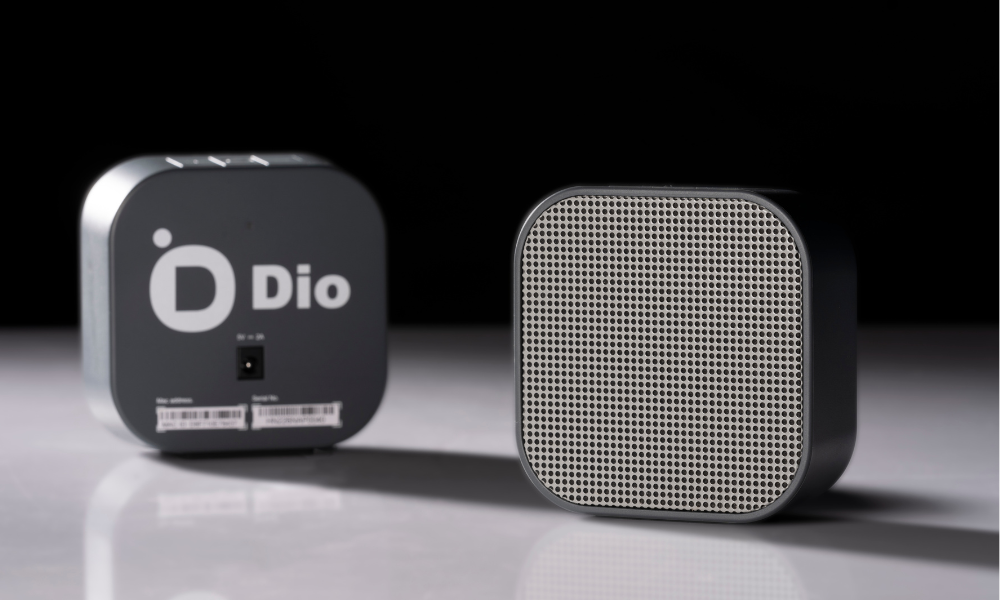
Best Overall: Dio Node
The Dio Node hits the sweet spot between performance, simplicity, and price. It’s built around Apple’s AirPlay 2 technology, which makes it incredibly versatile for anyone in the Apple ecosystem, while its minimalist design and focus on audio-only playback make it a refreshingly simple choice.
-
Price: $79 - $90
-
Pros:
-
Affordable: Priced for building a multi-room system without breaking the bank, including bundle deals on 3-Packs and 5-Packs.
-
Flexible Audio Choices: AirPlay 2 support means you can stream audio directly from any app on your iPhone, iPad, or Apple TV.
-
Incredibly Easy to Use: No apps to download, no accounts to create, and no microphones listening in.
-
-
Cons:
-
Android / Windows Support: Not yet natively compatible with Android or Windows.
-

Best Voice-Assisted Smart Speaker: Amazon Echo Dot
The Echo Dot is an affordable entry point into the world of smart homes, offering hands-free voice control for music, smart devices, timers, and thousands of other "skills."
-
Price: $49.99
-
Pros:
-
Seamless Voice Control: The Alexa assistant is responsive and makes playing music as simple as asking for it.
-
Smart Home Hub: Control lights, thermostats, and other compatible smart home devices with your voice.
-
Budget-Friendly: The most affordable way to get voice-controlled music in any room.
-
-
Cons:
-
Ecosystem-Locked: Compatible with only a handful of audio services within its ecosystem, notably excluding YouTube.
-

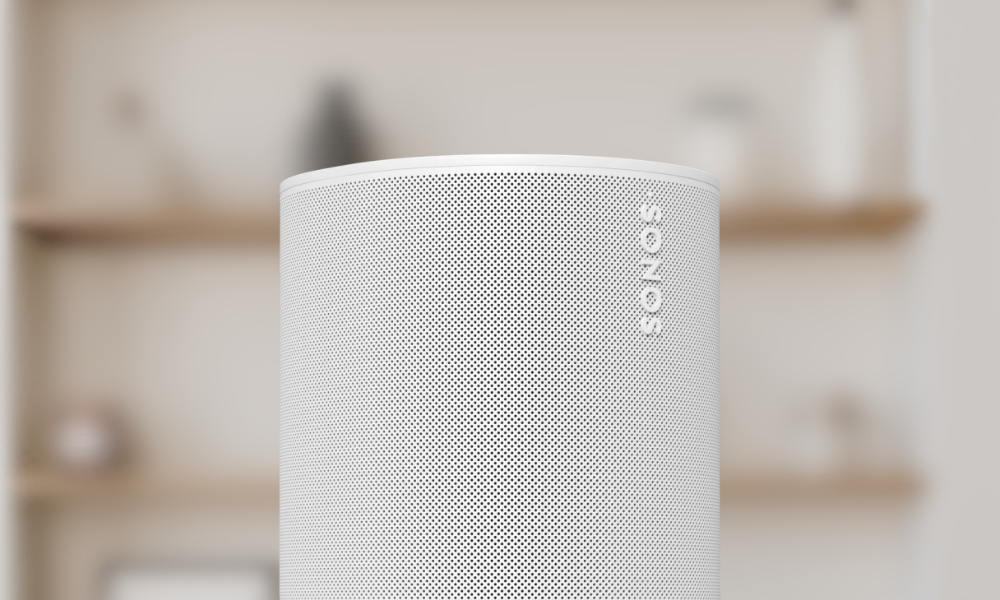
Best Premium Hi-Fi Speaker: Sonos Era 100
If sound quality is your absolute top priority, the Sonos Era 100 delivers. It offers a rich, room-filling audio experience that punches well above its size. As part of the broader Sonos ecosystem, it’s a fantastic starting point or addition to a high-fidelity, multi-room audio setup.
-
Price: $199
-
Pros:
-
Exceptional Sound: Precision-tuned acoustics deliver deep bass and crisp highs for a true Hi-Fi experience.
-
Powerful Ecosystem: The Sonos app integrates many more streaming services compared to Google or Alexa.
-
Flexible Connectivity: Supports the Sonos app, AirPlay 2, Bluetooth, and a line-in connection (with an adapter).
-
-
Cons:
-
Premium Price: The high cost can make building a full multi-room system expensive.
-
Common Questions About Wi-Fi Speakers
Can I use Wi-Fi speakers with my phone or tablet? Yes—most Wi-Fi speakers support AirPlay or have an app to stream from phones, tablets, and even computers.
Do Wi-Fi speakers need the internet to work?
Not necessarily. If the speakers use DLNA or Apple AirPlay, they don’t need internet to work.
Can I mix Wi-Fi and Bluetooth speakers?
Typically, no. There may be some workarounds for certain devices or apps, but you can’t have a true multi-room synchronized experience between the two technologies in most cases.
Do Wi-Fi speakers work with Spotify or Apple Music?
Yes, as long as the service you are using (Spotify, Apple Music, etc.) is integrated with one of the technologies we mentioned above. Dio Node supports AirPlay, so anything your iPhone plays can go to your speakers. Google Cast, Amazon Alexa, and Sonos also all support Spotify and Apple Music, specifically.
Can I take my Wi-Fi speaker outside?
Yes, as long as it stays in range of your home Wi-Fi network—or you use a portable hotspot. But unlike Bluetooth speakers, Wi-Fi speakers aren’t typically designed for the beach or hiking trails.
Conclusion: Build a Better Home Audio System
Wi-Fi speakers are the modern solution for great sound at home—whether you want music in one room or every room. They’re smarter than Bluetooth, more flexible than wired setups, and when you choose something like Dio Node, they’re also easier and more affordable than you might think.
👉 Shop Dio Node or Contact Us to get started building your perfect home audio system.